
Board view for objects with a pipeline
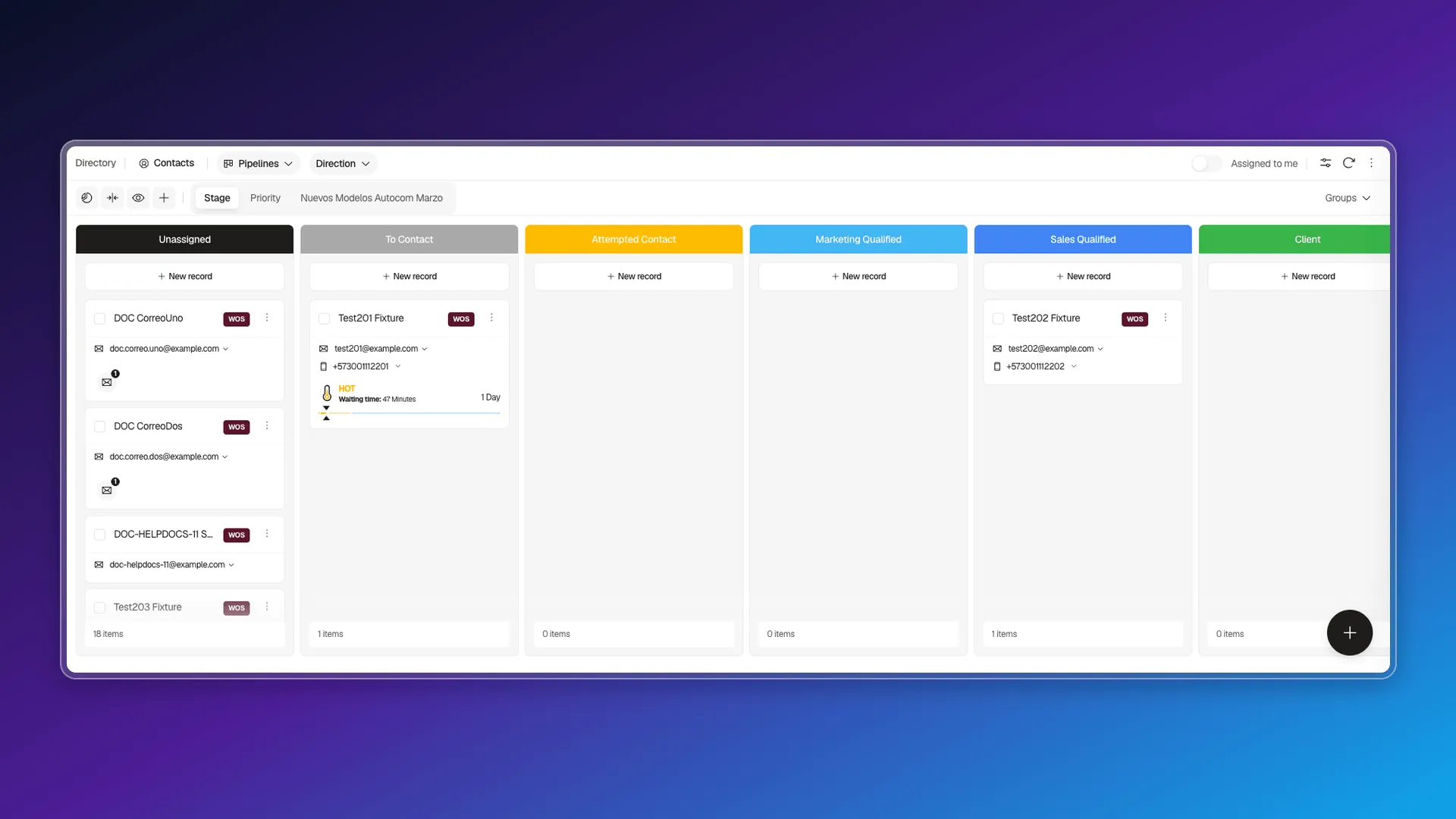
Next to the Table selector on the list there’s a second option, Pipelines: it’s the board (kanban) view, available for objects with a pipeline — Contacts, in the example. Each column is a stage — with the same color you set in Stages and pipeline rules — and each card is a record (see Using cards on records for what each card shows). The first column, Unassigned, isn’t a stage: it collects records that don’t have one assigned yet.
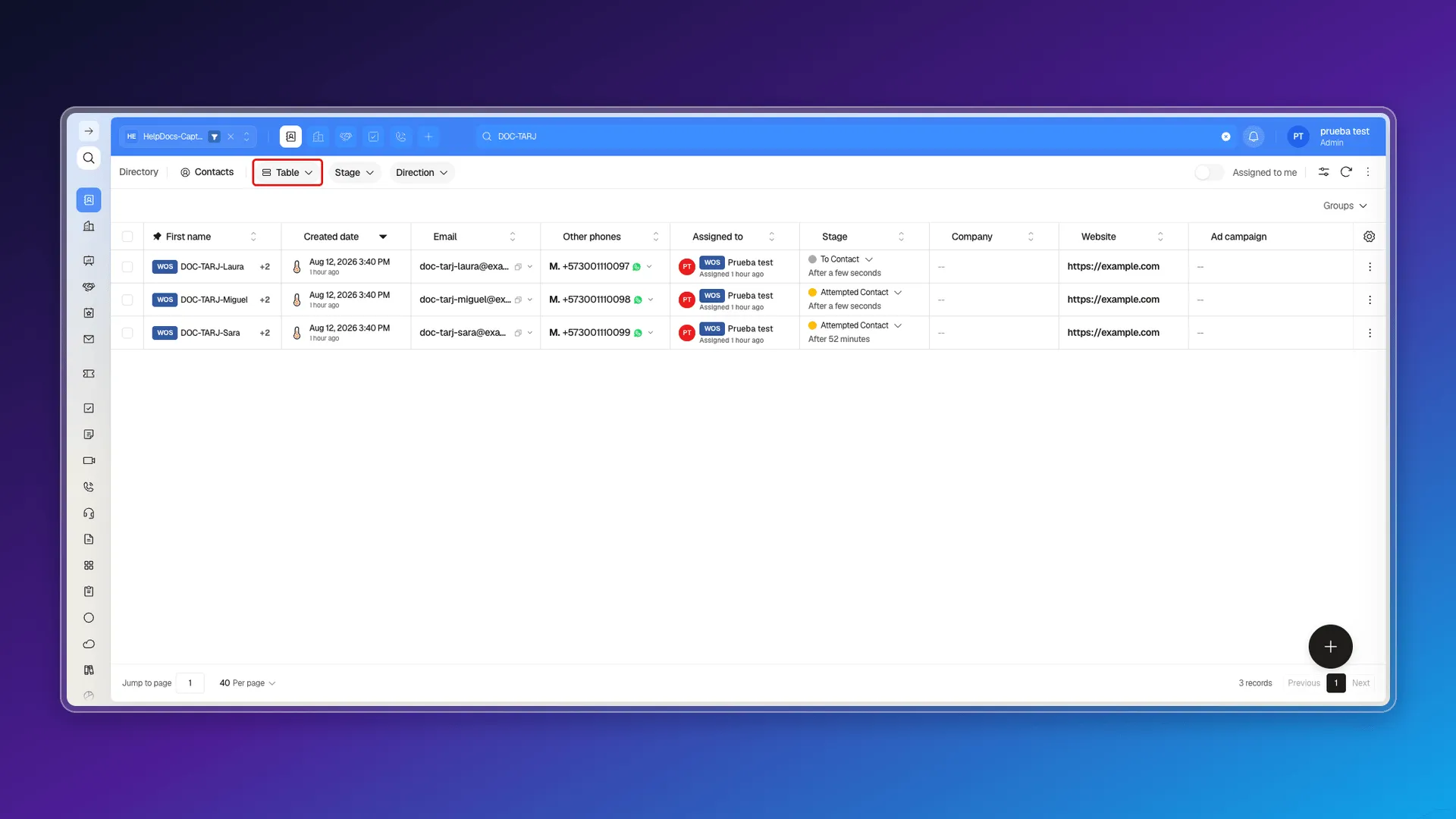
Opening that selector shows the two available options: Table and Pipelines.
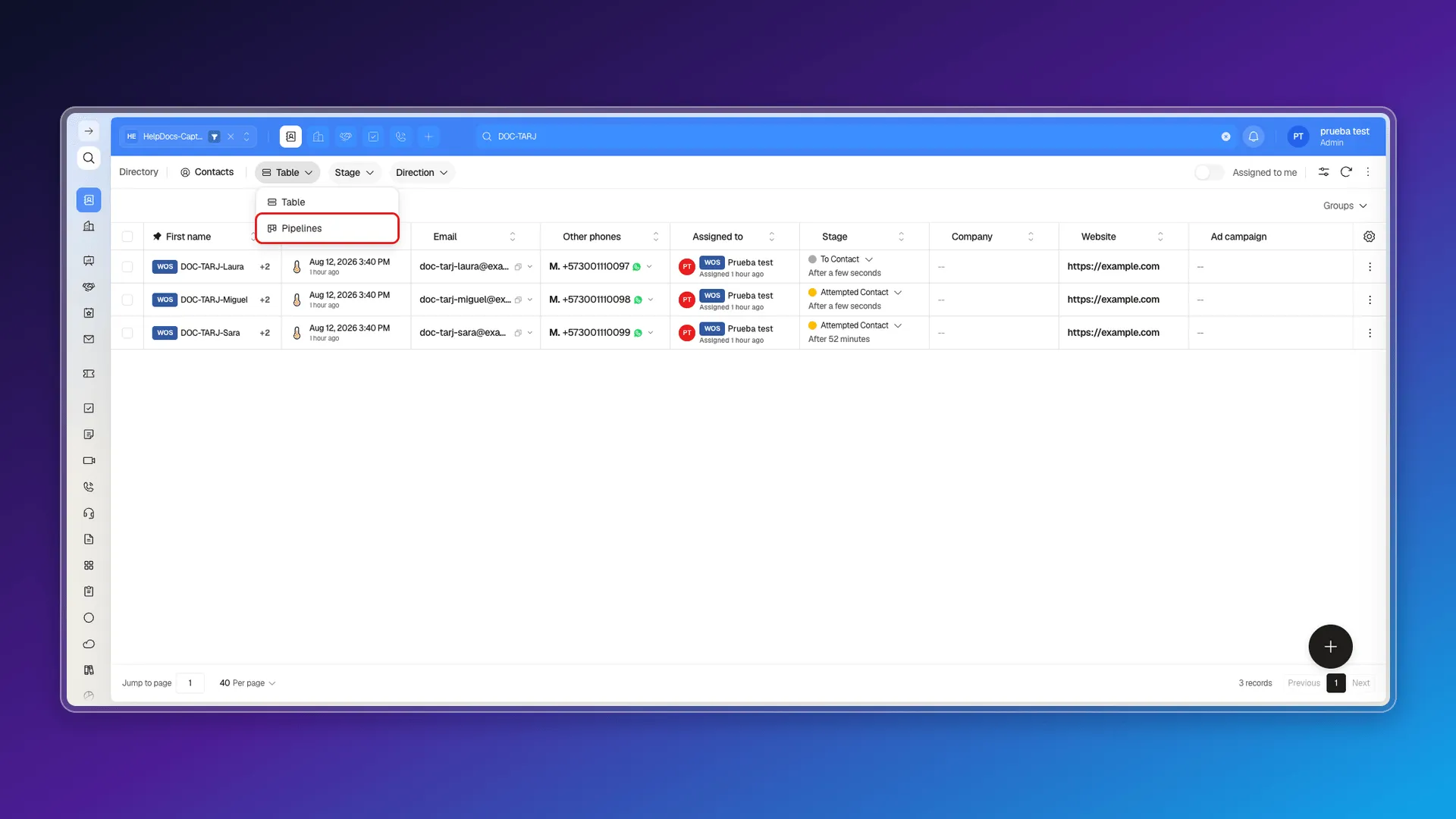
Picking Pipelines applies the board view right away, with one column per stage:
To create, search, or move records within the board, see Managing records in board view. To regroup by another field, collapse columns, or add a new stage, see Customizing the board view.
Frequently asked questions
In the view-type selector, next to the module name (Directory) and the active object, switch from Table to Pipelines.
Each column is a pipeline stage, using the same color you set in Stages and pipeline rules, and each card inside it is a record of that object. The first column, Unassigned, is the exception — it isn't a stage, it collects records that don't have one yet.
Was this article helpful?
Thanks for your feedback!