
Deleting CRM records
Select Delete only if the record no longer needs to be kept. The option appears both per row (see Row actions) and for a bulk selection, and asks for confirmation.
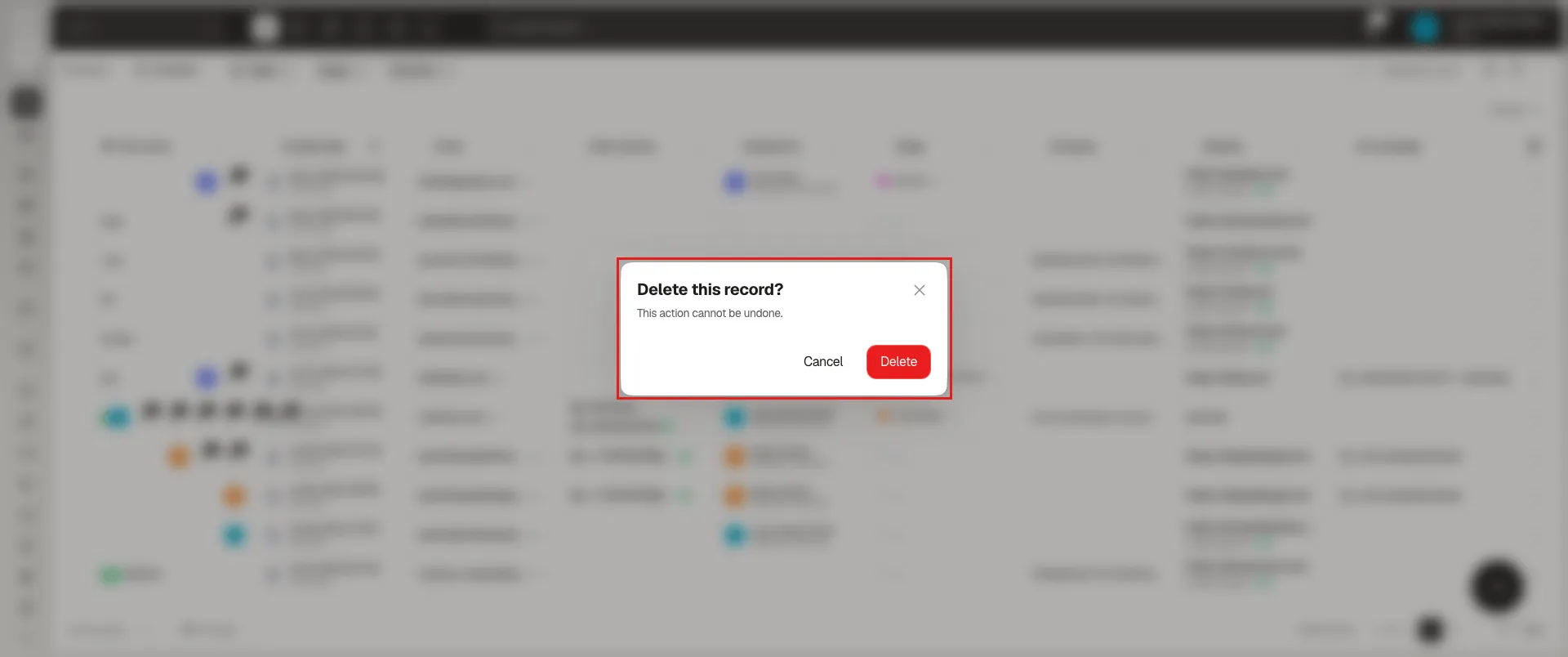
The dialog is titled Delete this record?, warns that This action cannot be undone, and offers Cancel and Delete. If you delete from the bulk selection bar, the button reads Delete selected and carries the number of records in parentheses — check it before confirming.
Once you confirm, the record is deleted permanently: it doesn’t pass through an intermediate trash, it leaves the module the moment you confirm, and there’s no option to restore it afterward. Check the name — or the number in parentheses, if you’re deleting in bulk — before pressing Delete.
Who can delete each object’s records is defined per role, in Assign access to records.
Frequently asked questions
Open the three dots on its row and select Delete, or use Delete selected from the bulk selection bar; the action asks for confirmation.
No. Once the confirmation is accepted, the record is gone for good — there's no trash or restore option.
Not necessarily. Who can delete each object's records is defined in Assign access to records.
Was this article helpful?
Thanks for your feedback!