
Generate a sample import file
Under More actions, select Download template for a sample Excel file with the columns the Contacts import expects.
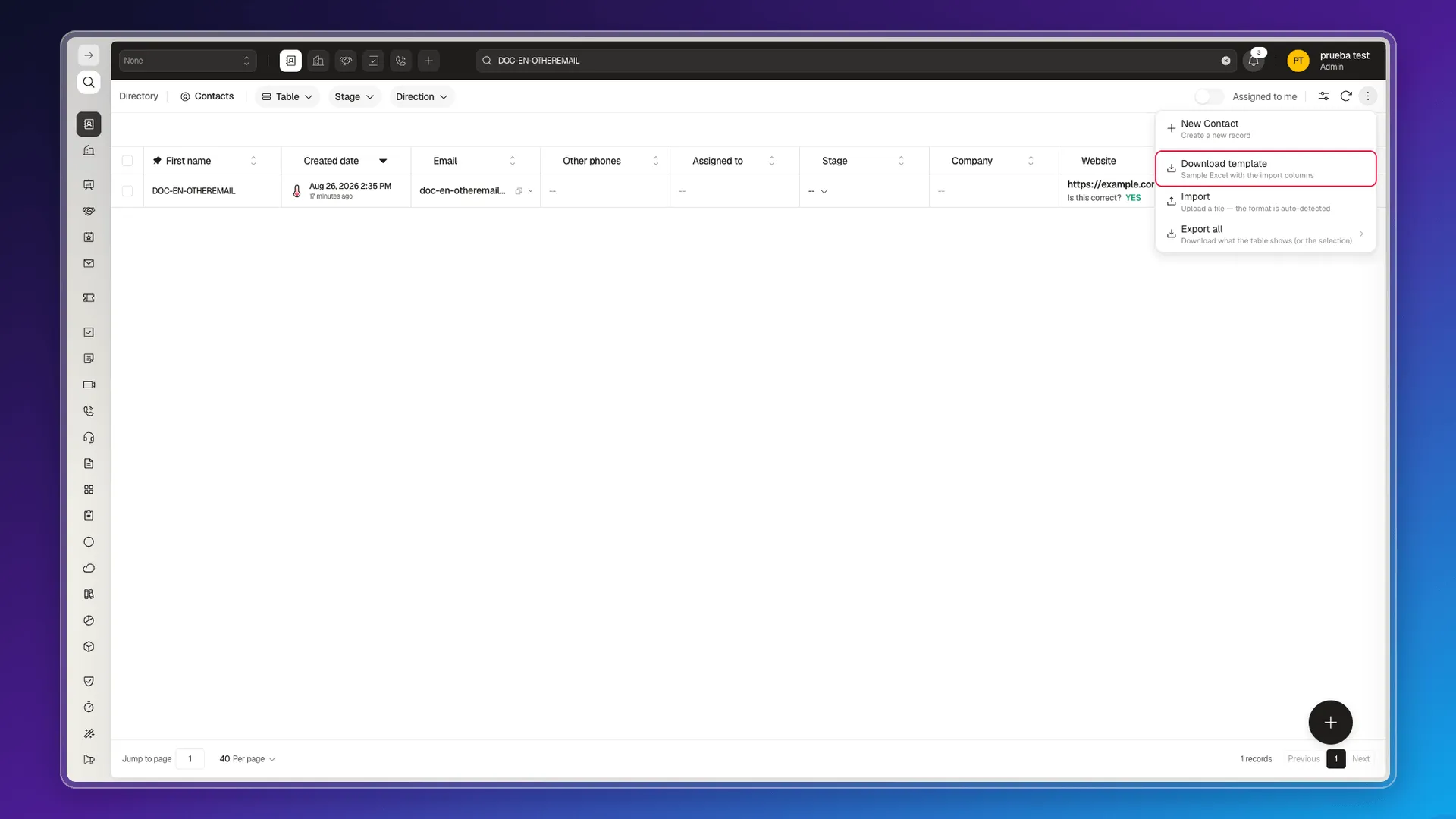
Use it as a base to prepare your data: keep the headers and don’t add columns the template doesn’t include — see what each column corresponds to in Formatting import files. Once it’s filled in, upload it with Importing records for a single object.
What’s inside the file. The Excel file (datamap.xlsx) has three sheets — see Understanding the import tool for what each one does. For Contacts you only need to fill in the Contact sheet; if you’re loading more than one object in the same file, see Importing records for multiple objects.
Frequently asked questions
Under More actions, select Download template for an Excel file with the expected columns.
It's not a good idea — keep the template's headers exactly as they come so the import recognizes them.
Three sheets: README with technical instructions for importing via the API, datamap with the upload's metadata, and a sheet with the object's actual columns (for example Contact) — you normally only need to fill in that last one.
Was this article helpful?
Thanks for your feedback!