
Exporting your records
Exporting works the same across every module: any object’s index page offers Export all and Export selection. What changes between them is how much they download and how many decisions they ask for first.
What Export all downloads
Section titled “What Export all downloads”Under More actions, Export all downloads every record in the object, not the ones the table is showing at that moment.
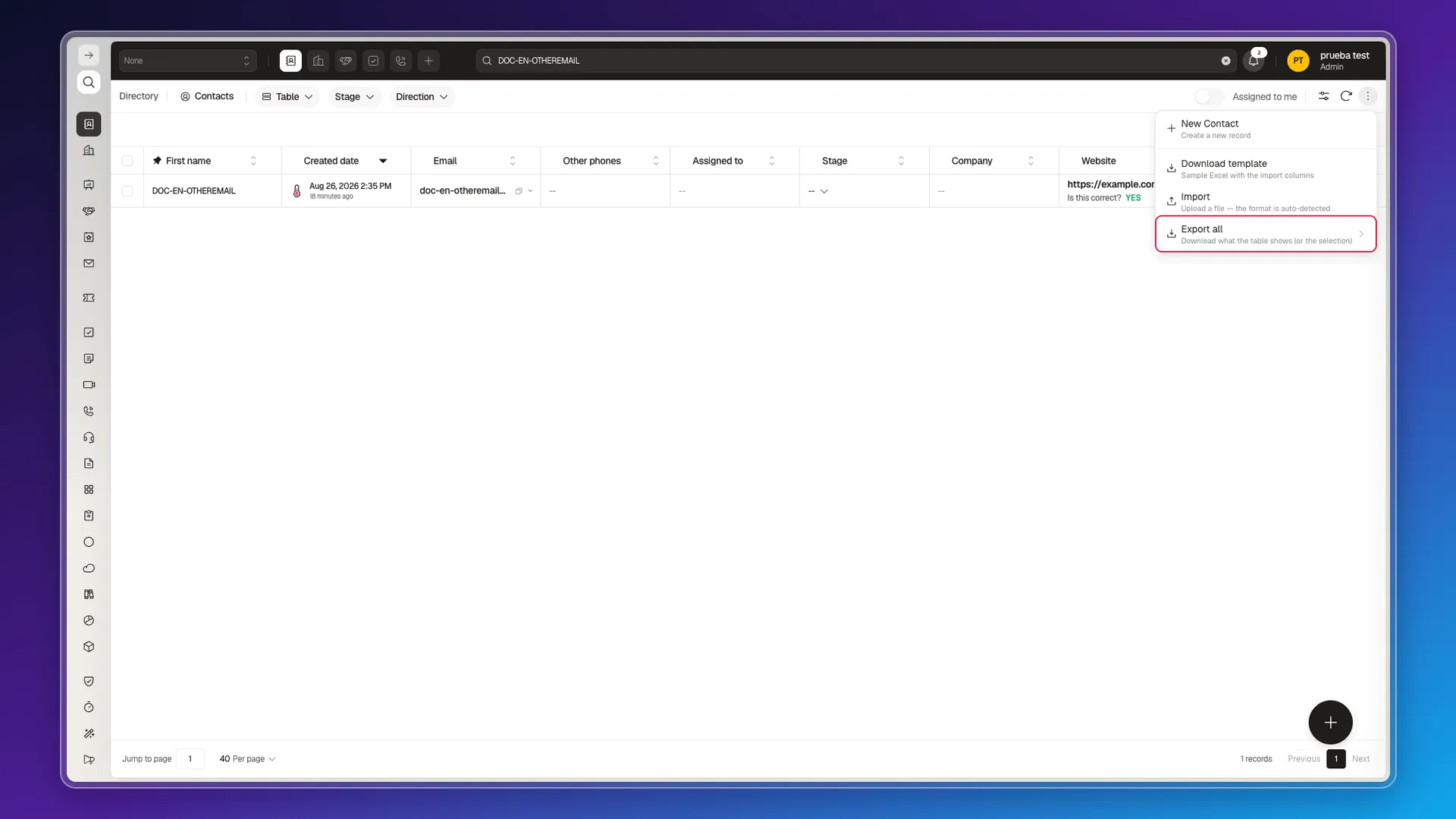
This is worth stressing because the menu itself says otherwise (“Downloads what the table shows”), and that description only holds for Export selection:
- Filters and search do not narrow the export. Even if the table shows a single contact, the file arrives with every record in the object.
- Visible columns don’t narrow anything either. The file carries every field on the record, including your account’s custom fields, no matter how many columns you have in view.
Exporting only some records
Section titled “Exporting only some records”Ticking rows is the way to narrow the download: tick the checkboxes you need and use Export selection. The selection survives changing pages, so you can gather records from several pages into one file.
Content type: Report or Data
Section titled “Content type: Report or Data”Every export asks for two decisions: the content type and the file format.
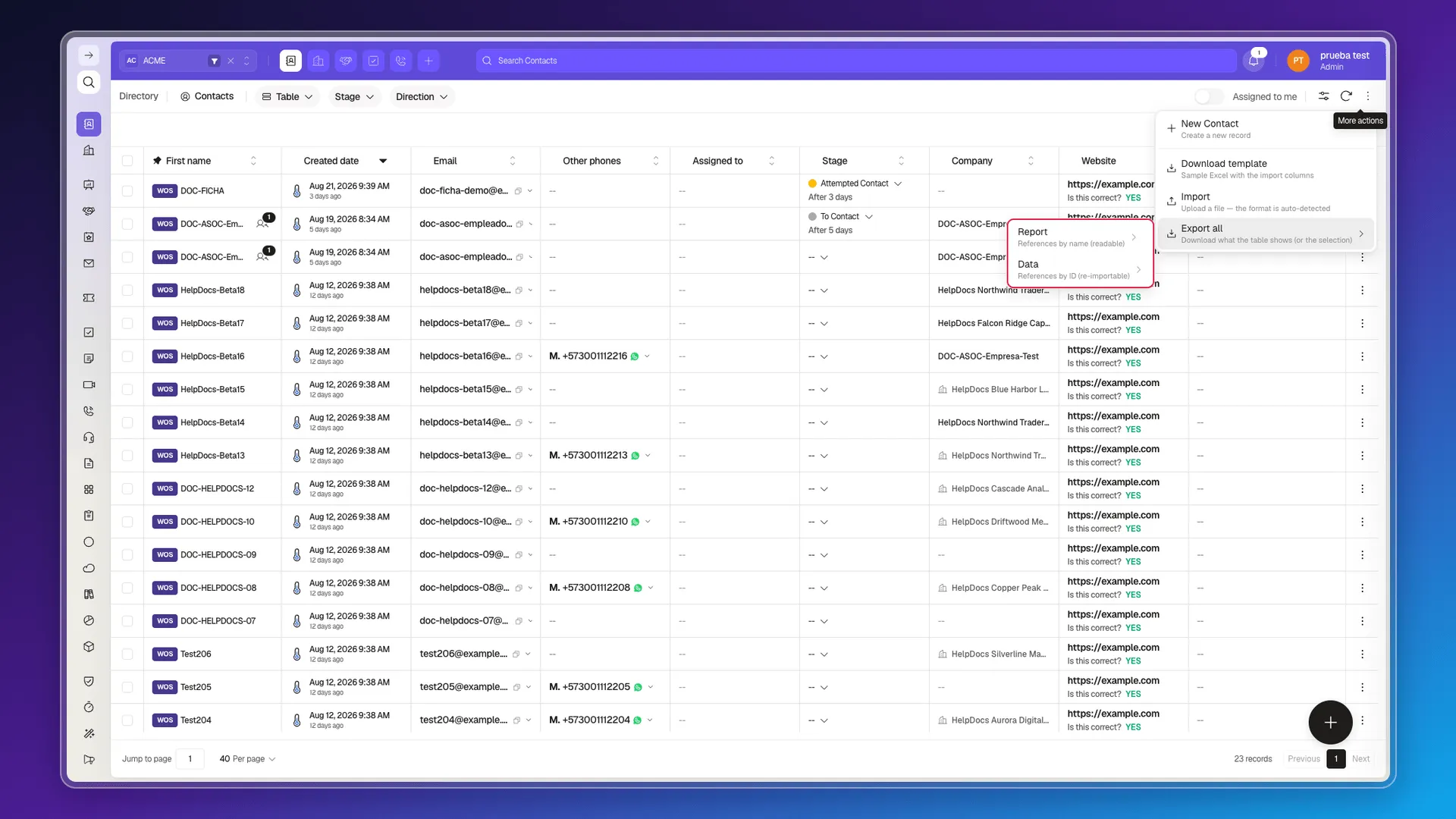
- Report — uses the records’ visible names in their references. Pick it when you need a file a person will read.
- Data — keeps references as IDs instead of names. Pick it when you need to prepare a re-import or feed the information into another system.
Format: Excel or JSON
Section titled “Format: Excel or JSON”Once you’ve picked the content type, you pick the format:
- Excel — downloads an
.xlsxspreadsheet. - JSON — downloads structured
.jsondata.
All four combinations are available for both Report and Data, but only from Export all: Export selection goes straight to Excel or JSON, skipping the Report or Data step.
If what you need is a file narrowed by conditions rather than row by row, use Custom reports, which do filter what they include.
Frequently asked questions
Every record in the object, not the ones the table is showing. With a filter leaving 1 contact in view, the file still came with all 8451.
Tick the checkbox on each row and use Export selection. It's the only way to narrow an export; filtering the table beforehand does not narrow it.
No. The file carries every field on the object — it can be over 160, depending on how many custom fields your account has — no matter how many columns you leave visible.
Excel (.xlsx) or JSON (.json), combined with the Report or Data content type.
Report uses the records' visible names, meant for reading; Data keeps references as IDs, meant for re-importing or integrating with another system.
Was this article helpful?
Thanks for your feedback!