
Add or replace multiple checkbox property values
Editing records in bulk also works with multi-value fields, like Tags: choosing it in the field search box shows a multi-selector instead of a single value, so you can pick one or more options at once.
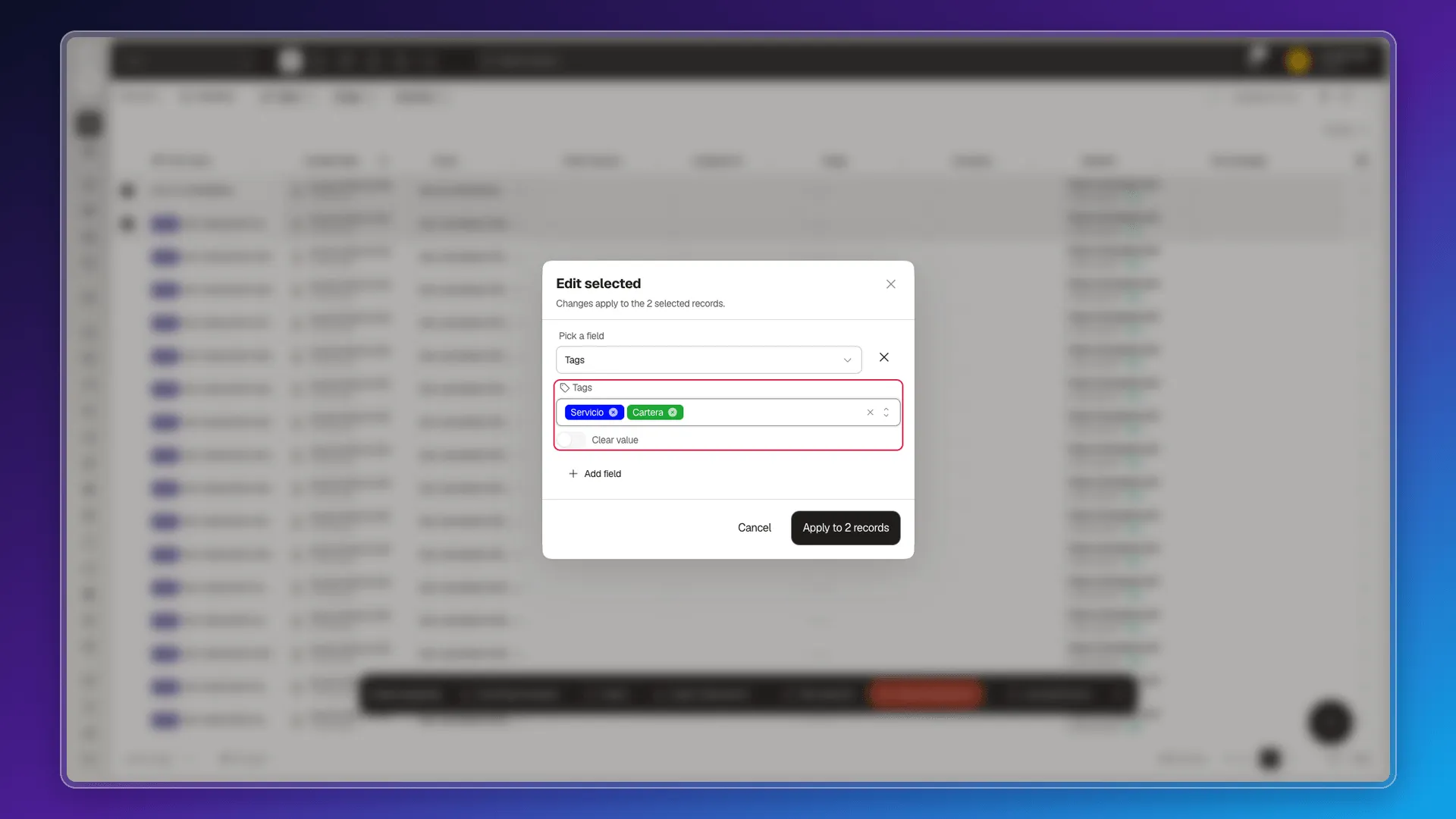
The only alternative to a new value is the Clear value switch, which empties the field instead of assigning something — it leaves the field with no tags at all.
Import isn’t a shortcut for adding values either. As explained in Formatting import files, writing several tags separated by ; in the tags column fails with a “primary key not found” error — Prolibu looks for a single tag matching that exact text, not a list.
Frequently asked questions
Yes. Choosing a field like Tags shows a multi-selector to pick one or more values.
It replaces them. The selected value overwrites the previous one; to empty it, use the Clear value switch.
No. Writing several tags separated by `;` in an import file's `tags` column fails with a primary-key-not-found error — it's not a way to add values either.
Was this article helpful?
Thanks for your feedback!