
Use task queues
The closest thing to a task queue in Prolibu is a Task Group: a label with a record of its own that groups tasks, can be filtered on, and accepts collaborators and its own stages.
Creating a group
Section titled “Creating a group”They’re created from a task. Open a task’s panel, drop open the Group field, and use + Group.
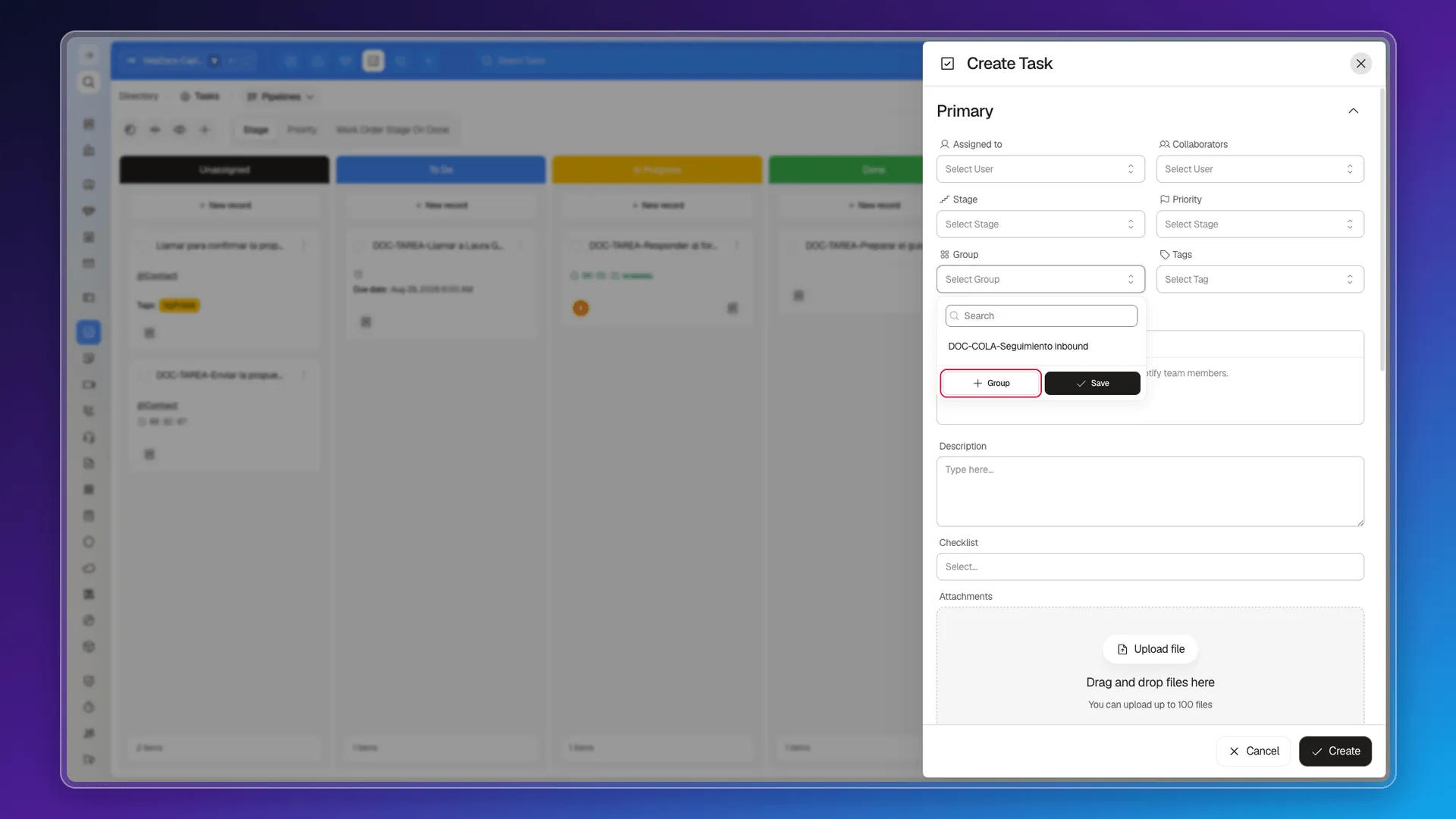
Create Group opens with these fields:
- Group — the name, required.
- Description.
- Collaborators — the people tied to the group.
- Tags.
- Company.
- Custom stages — a set of stages just for this group, separate from the general one.
Once created, it’s selected on the task you had open.
Seeing and filtering by group
Section titled “Seeing and filtering by group”Once created, groups show up in the Groups picker in the module’s bar, and as the Group field in the Filters panel. Filtering by group is what turns a group into a work queue you can look at.
Putting tasks into a group
Section titled “Putting tasks into a group”- When creating the task, by picking the group in the Group field.
- Afterwards, by editing the task.
- In bulk: tick several tasks, use Edit selected, pick the Group field, and apply.
Where it falls short
Section titled “Where it falls short”A group groups, but it doesn’t distribute. There’s nothing that lets an available rep “take” the next task off a shared queue, no per-queue access type, and no automation that drops tasks into the group when a lead comes in. All of that has to be done by assigning the task by hand.
Frequently asked questions
It has Task Groups, which group and filter tasks the way a queue does. What they don't bring is distribution or letting a teammate pick work up.
From a task's Group field, with the + Group button.
A group has Collaborators, so it can be tied to several people, but there's no mechanism for someone to claim a task off the queue.
We found no limit announced in the interface.
Was this article helpful?
Thanks for your feedback!